DJI Mic 3 turns off by itself: why, and how to stop it
It's almost never a fault. The Mic 3 has a few features that switch it off on purpose. Here's each one, and how to turn it off from the receiver, DJI Mimo or your computer.
The usual suspects
A DJI Mic 3 that switches itself off is almost never faulty. It’s usually doing one of these things on purpose:
| What happens | Why, according to DJI | What to do |
|---|---|---|
| The receiver turns off about 15 minutes after you switch it on | Auto power-off: no transmitter linked to it within 15 minutes | Link a transmitter, or turn auto power-off off |
| A transmitter turns off after a while unused | Auto power-off: not connected to anything and not recording internally, for 15 minutes | Turn it off for the transmitters, or keep them linked |
| A transmitter seems to go to sleep | Auto power-saving: with no receiver signal it sleeps, and wakes when the signal returns | Nothing: it’s not a shutdown |
| The receiver turns off with the camera | Auto on/off with camera: it follows the camera’s power, over the 3.5 mm cable or the hot shoe, and only works in video mode | Turn it off if you don’t want it, or keep the camera in video mode |
| They turn off when you put them away | The charging case: transmitters and receiver shut down when placed in it, and power back on when taken out | Expected behaviour |
| A transmitter turns off after the red light | Empty battery | Charge it |
Auto power-off: what it does exactly
DJI sets the automatic shutdown time at 15 minutes, separately for the receiver and the transmitters:
- Receiver: it powers off if no transmitter links to it within 15 minutes of switching it on. Once a transmitter is linked, this doesn’t apply.
- Transmitters: a transmitter powers off when it isn’t connected to any device and isn’t recording internally for 15 minutes.
You can turn it off for both, and then neither shuts down on its own. On the Mic Mini 2S, DJI says the option is enabled by default.
How to turn it off
- On the receiver, in its settings menu.
- In DJI Mimo, on your phone.
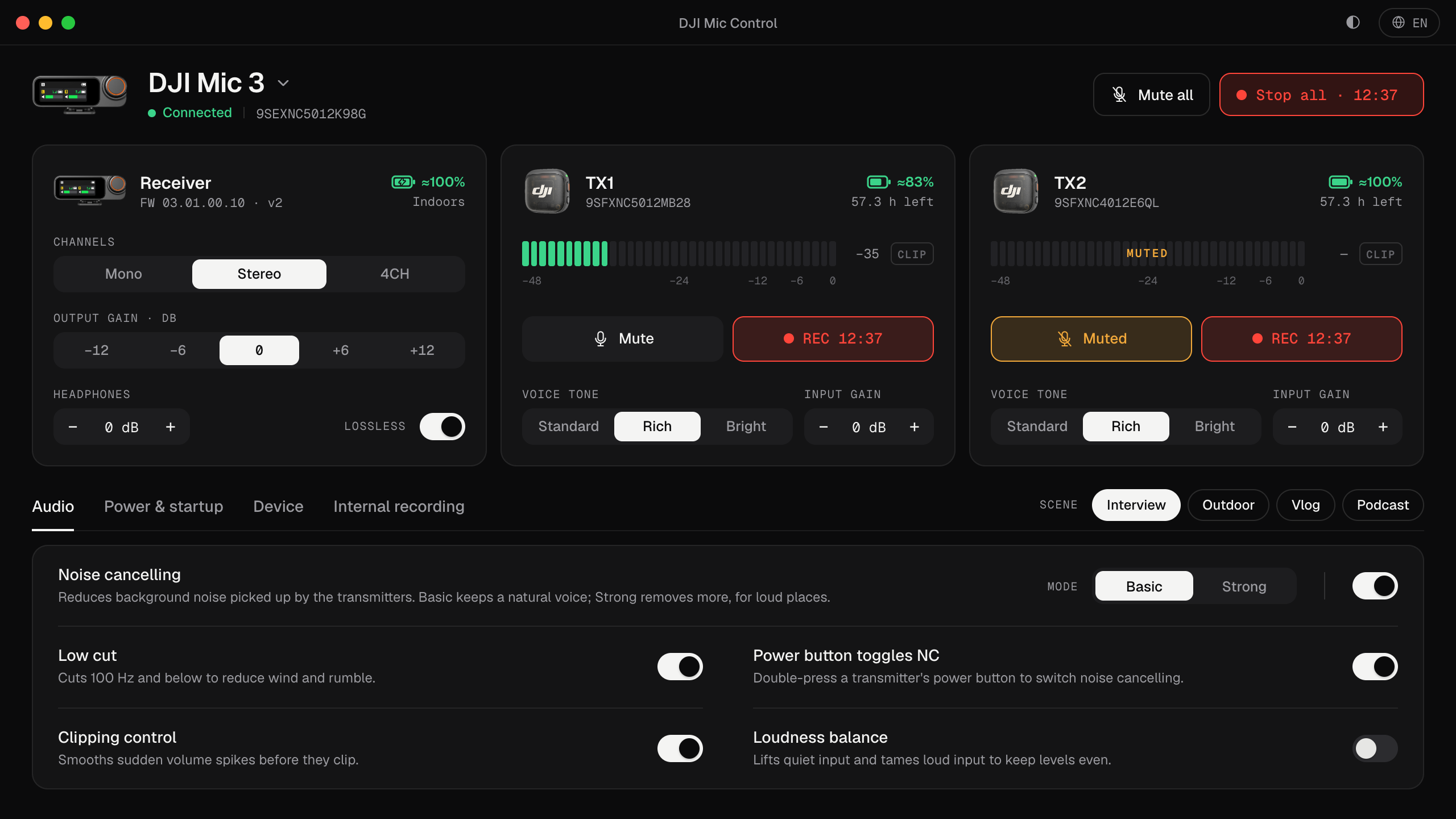
- From the computer, in Mic Control: the Power & startup tab has Auto-off receiver and Auto-off transmitters, each with a one-line explanation. The same tab has Follow camera power.
If you record with a camera
Auto on/off with camera makes the receiver power on and off in sync with the camera, connected by the 3.5 mm cable or the hot shoe. DJI notes two things:
- It only works with the camera in video mode. If the camera is off, or in a mode that doesn’t record sound, the receiver powers off.
- DJI’s support pages also say the function isn’t available with some hot-shoe adapters, so check the manual for your setup.
If the receiver keeps switching off while you work with the camera in photo mode or playback, this is why. Turn the option off.
If you record on a computer
Plugged into a computer over USB-C, the receiver works as a USB microphone. If it switches off during a session:
- Check auto power-off for the receiver and the transmitters.
- If you don’t use a camera, turn Follow camera power off: it has nothing to follow.
- Watch the battery. The transmitters run on their own batteries, whatever the receiver is plugged into. Mic Control shows each transmitter’s battery, and its menu bar or tray icon turns red when one is running low and blinks when it’s about to switch off.
Other DJI mics
- DJI Mic Mini 2S: the same 15-minute auto power-off, enabled by default. With the camera adapter, DJI warns the receiver may power off when the camera isn’t in video recording mode, and not power back on by itself.
- DJI Mic Series Mobile Receiver: powered by the phone or computer it’s plugged into, so it has no auto power-off of its own.
- DJI Mic 2: the receiver has a 30-minute auto power-off, and a firmware update added transmitter auto power-off, enabled by default.
The full list of settings is in every DJI Mic 3 setting, and battery behaviour is explained on the blog in the DJI Mic 3 doesn’t know its battery percentage.
Turn auto power-off off from your computer
- 01
Open the Power & startup tab
In Mic Control, with the receiver plugged in.
- 02
Turn off Auto-off receiver and Auto-off transmitters
Each has a one-line explanation of when it triggers.
- 03
Check Follow camera power
If you don't record with a camera, turn it off too.
What you'll be able to do
- Turn auto power-off on or off for the receiver and the transmitters.
- See each transmitter's battery, with a warning before it runs out.
- Turn camera power sync on or off.
FAQ
Why does the receiver turn off after 15 minutes?
With auto power-off on, the receiver switches off if no transmitter links to it within 15 minutes of switching it on, according to DJI.
Can I turn auto power-off off?
Yes, for the receiver and the transmitters separately: on the receiver, in DJI Mimo, or in Mic Control's Power & startup tab.
Why does it turn off with my camera?
With auto on/off with camera, the receiver follows the camera's power, and only in video mode. Turn the option off if you don't want it.
Does it turn off in the charging case?
Yes. According to DJI, transmitters and receiver shut down when placed in the case, and power back on when taken out.